

The period you choose changes the question Trade Intelligence Center is answering. A one-day review is useful for understanding a recent session; a longer period is better when you want to know whether a pattern survives across more completed trades.
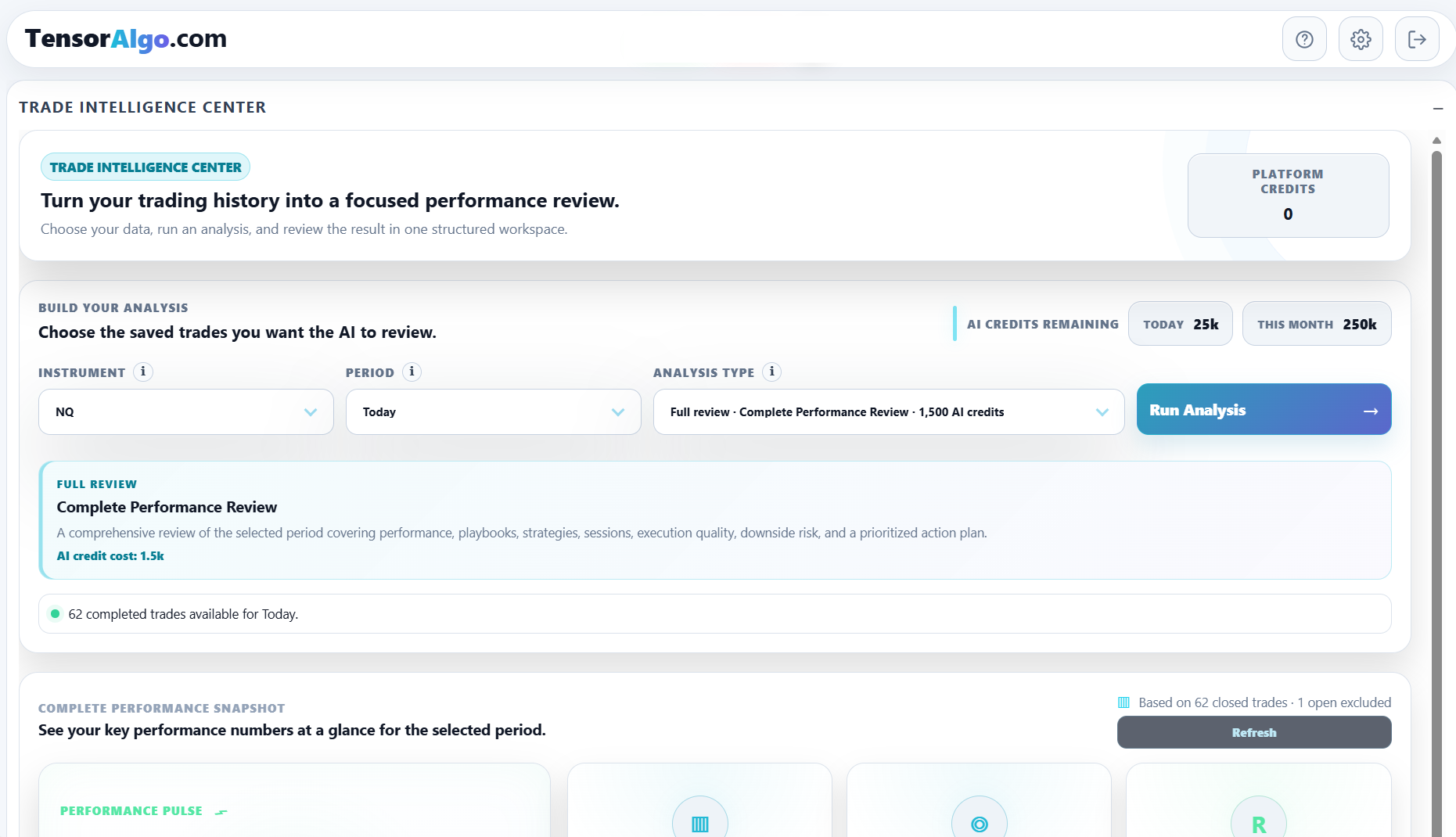
Choose the instrument first
Select the supported market whose saved Trade History you want to analyze. The selected instrument applies to the deterministic performance snapshot and to any optional AI review you start from the same controls.
If the data looks unexpectedly empty, confirm the instrument before changing the period. A correct date range for the wrong market will still produce the wrong sample.
Match the period to the question
Available choices can include Today, Yesterday, Specific date, rolling periods such as 7 Days, 30 Days, 90 Days, and 180 Days, and longer ranges when the account's historical entitlement supports them.
Use shorter periods when you want to inspect recent behavior or one session. Use longer periods when you need more context or a larger sample.
For example:
- Today / Yesterday: quick session review;
- Specific date: compare TensorAlgo evidence with a journal or chart review from one date;
- 7–30 Days: recent tendencies and a more useful sample than one session;
- 90+ Days: broader context when your plan includes that history.
Longer is not automatically better. A broad range can hide a recent change, while a very short range can create false confidence from too few trades.
Use Specific date for one-day investigation
Choose Specific date when you want the analysis to stay anchored to one calendar date.
The selected date:
- cannot be in the future;
- must be inside the account's available historical-data range;
- can use recorded closing/result dates for completed-trade analysis;
- can fall back to available entry/creation dates for older records without a close timestamp.
This view is useful after an unusual trading day because you can examine the exact sample first, then compare it with a broader period to see whether the behavior is recurring.
Know the historical-data limits
Current system-default historical lookback limits include:
- Starter: 30 days;
- Pro: 90 days;
- Max: 365 days.
The signed-in account's current effective entitlement is authoritative. Review the current plan/access state in Settings → Billing.
If the period you want is outside the available range, choose a more recent date or shorter period, or compare the available plan options.
Period choice also affects AI reviews
When you run an optional AI-powered review, it analyzes the selected eligible scope. Make sure the period reflects the question you actually want the report to answer before spending AI Credits.
A Complete Performance Review of one day and a Complete Performance Review of a month are different reviews because the underlying evidence is different.
Build a consistent review cadence
Quick-report workflows provide useful fixed periods for repeatable habits:
- Morning Brief: most recent completed trading day;
- Weekly Action Plan: last five completed trading days;
- Monthly Progress Review: last twenty completed trading days.
These completed-day windows help you compare review periods more consistently than choosing an arbitrary range every time.
If the period loads no trades
Before assuming the analytics are unavailable:
- verify the instrument;
- choose a broader/recent period;
- confirm completed Trade History exists in that scope;
- check the current historical-data entitlement;
- distinguish an empty sample from a small sample that is still collecting evidence.